
 Viktor Stoliarenko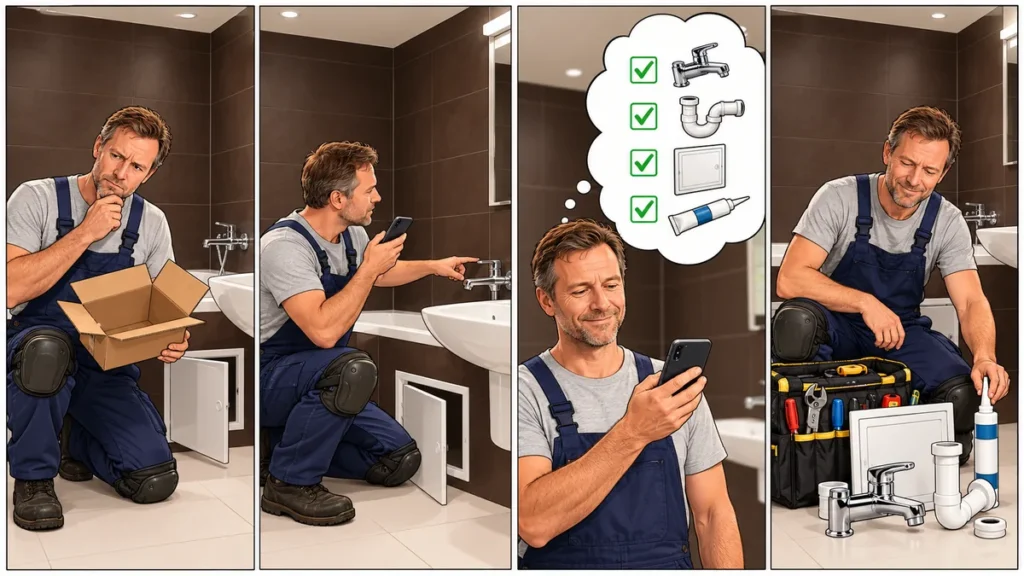
In short: A tiny missing item can stop a repair for hours. ComPost’s Materials List prompt helps you collect what you need while you inspect the job and save the list to Google Sheets.
You have a fitting half apart, your tools are laid out, and the job is moving along. Then you reach for the electrical tape and find the roll is empty. It costs about 50 cents. “I’ll just run to the store,” you think. Add the drive, the queue, and the hunt for the right aisle, and suddenly three hours have gone by.
The worst part is making the trip twice. You buy the tape but forget the connectors. You go back for the connectors, only to discover that you’re out of wall plugs too. Staring at the empty box at home, you were sure you would remember. By the time you’re in the store, that one thing has vanished from your mind. It’s infuriating. The repair was already taking effort; now a small oversight has eaten your evening and broken your rhythm.
It happens with more than plumbing. Whether you’re replacing a tap, assembling furniture, fixing an outlet, or taking on a bigger renovation, the small things come to mind while your hands are busy. A handwritten list helps when you have a pen, paper, and a free hand. Often you have only one hand free. Sometimes you have none.
Say what you need as you look around
That’s why I made a ComPost prompt called Materials List. Open it while you inspect the space and speak normally: say what you need, how much, what size, and what you want to add or take off the list. You can think out loud and keep looking around instead of stopping to dictate a tidy inventory.
Open the Materials List prompt in the ComPost library.
What the prompt does with your words
It puts the materials you name into four columns: Item for the name, Quantity for the final amount, Unit for the unit of measure, and Notes for details you mention. It combines repeated items and adds their quantities. It also handles corrections, additions, and explicit cancellations. Different sizes or types stay on separate rows. It records a note only if you actually said it. You don’t have to piece the final list together from voice notes later.
Watch the repair demo
See how the Materials List prompt turns a spoken inspection into a shopping list in Google Sheets.
How to use it
- Get ComPost on Google Play and open the app.
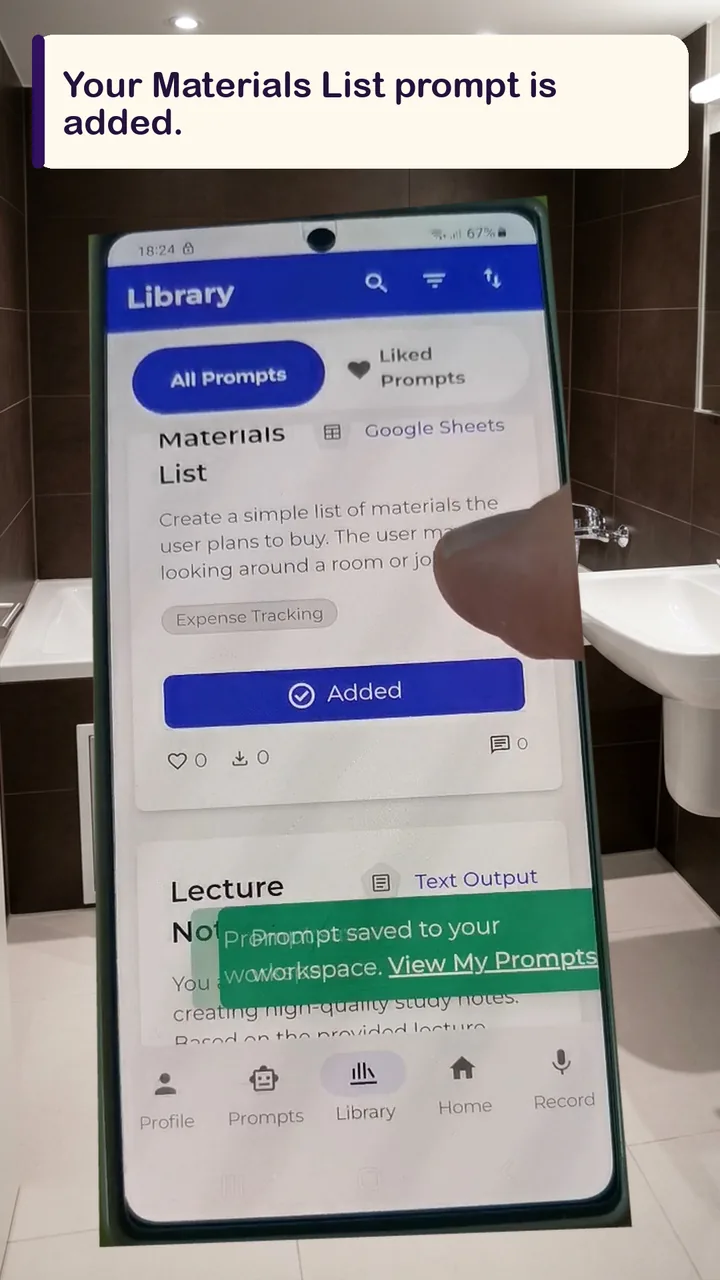
- Go to the prompt library, find Materials List, and tap Add to my prompts. Check that it appears in your prompts.
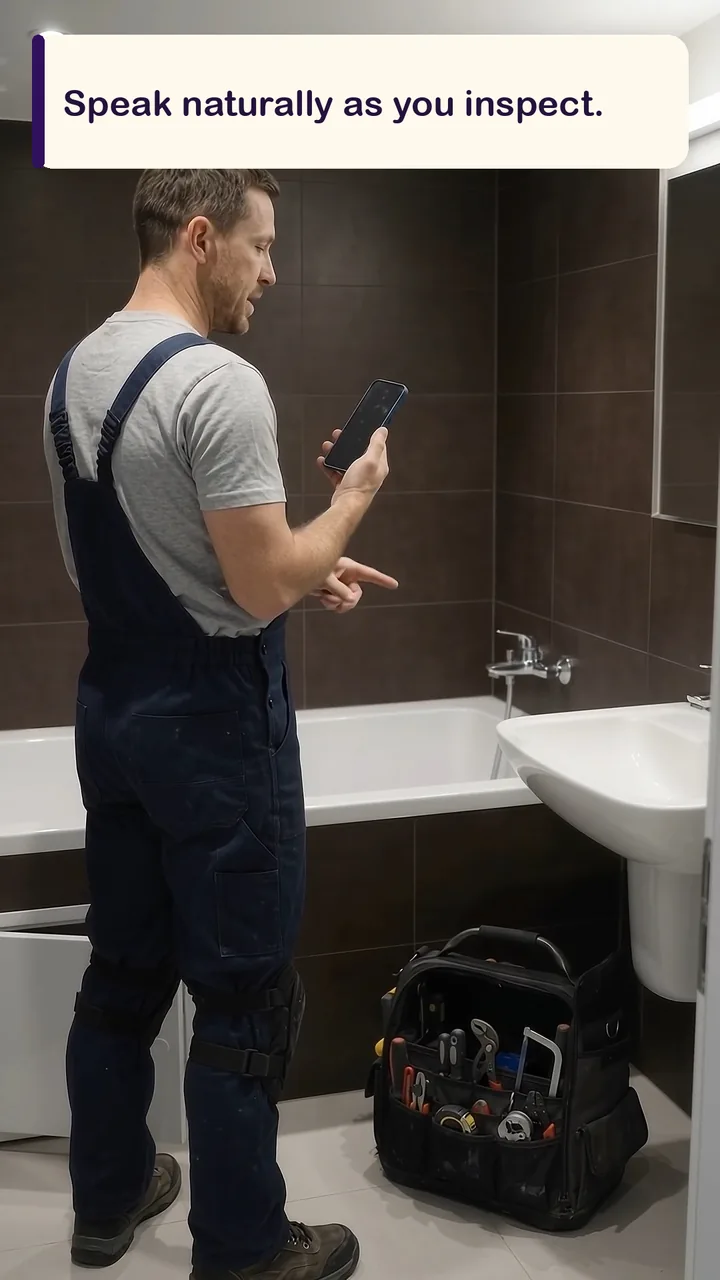
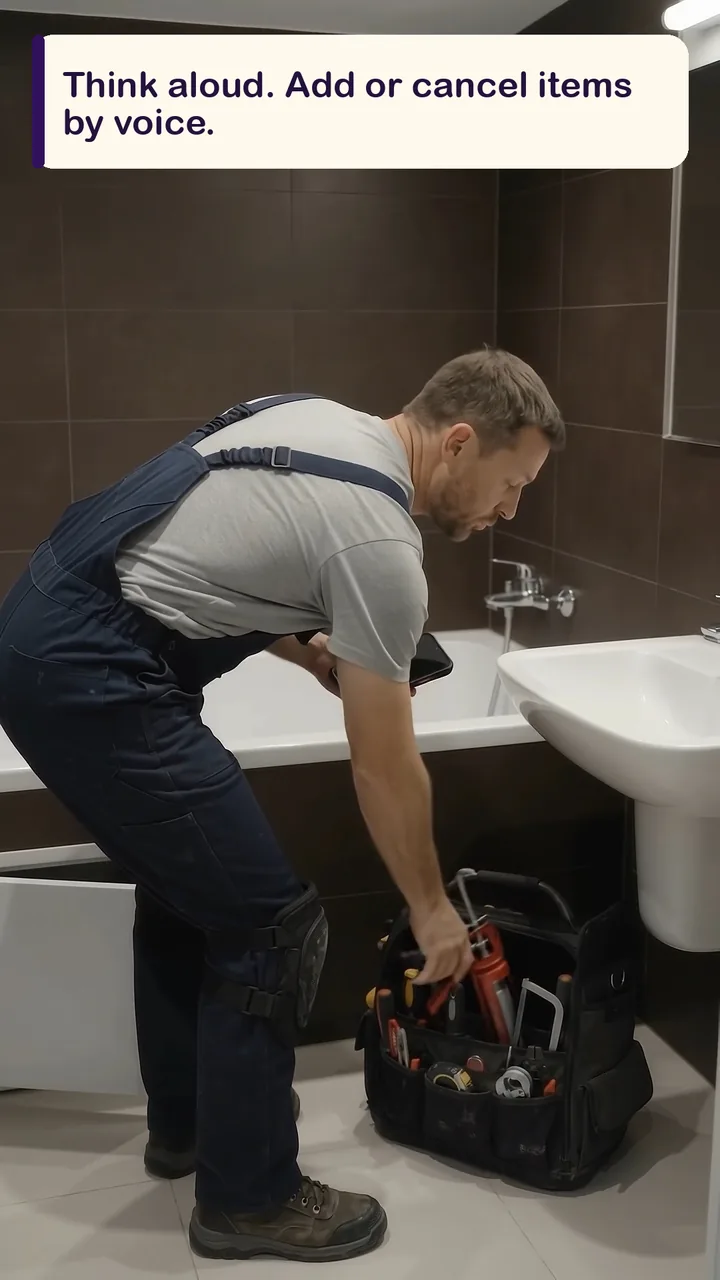
- Open the recorder and start talking as you inspect. Name materials, think aloud, add items, and cancel things you no longer need in your own words.
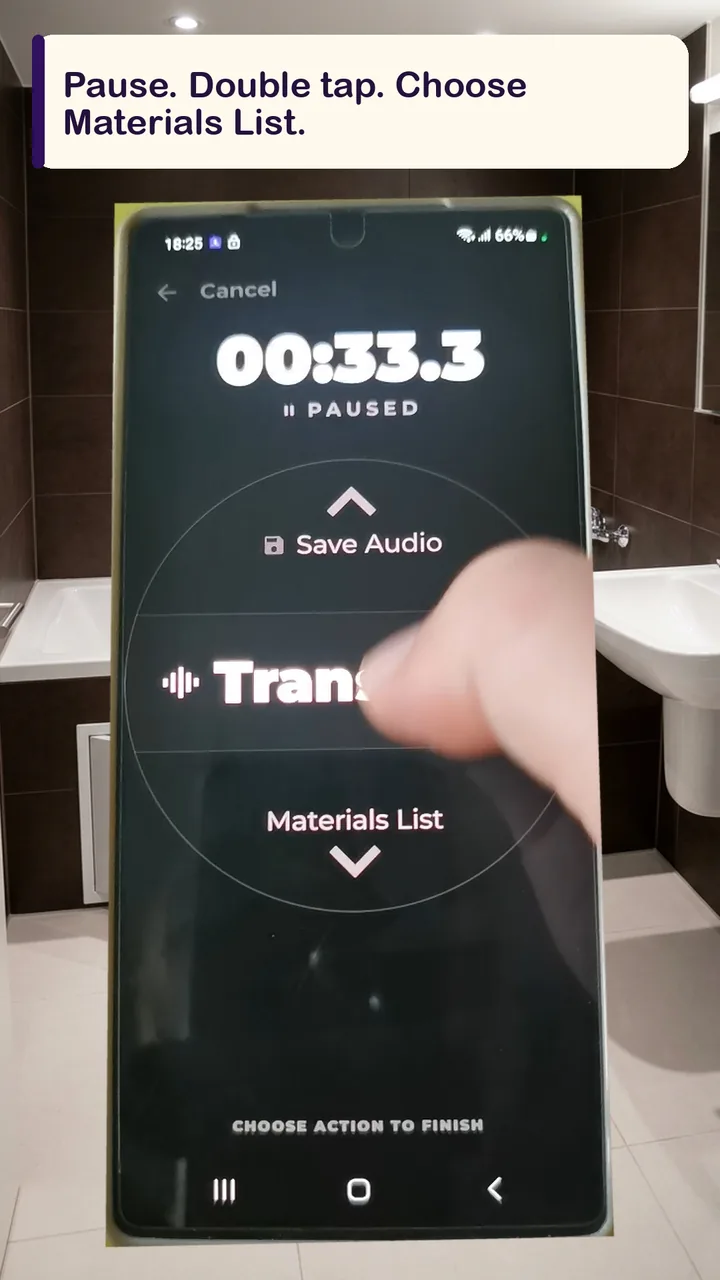
- When you’re done, tap pause and double tap the screen to open the prompt picker. Choose Materials List.
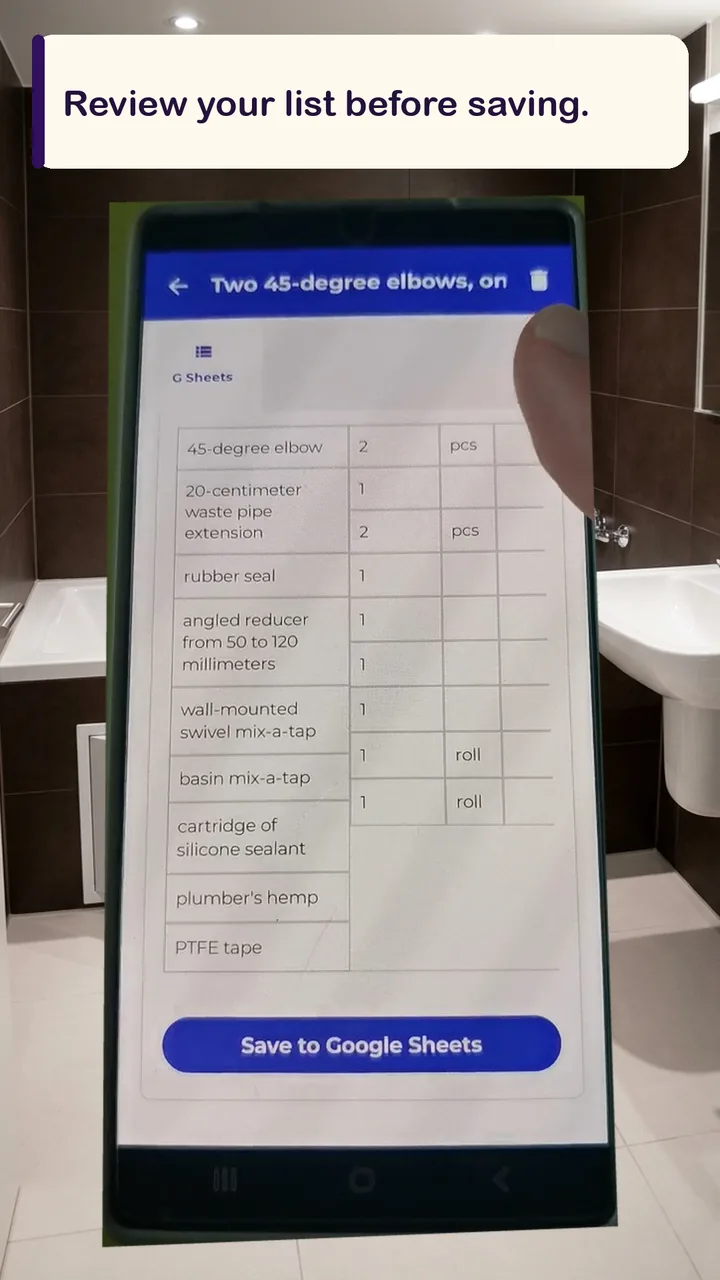
- ComPost processes what you said and shows you the list to review. Check the items, make any needed changes, and tap the button to add them to Google Sheets.
Your list stays in one sheet
When you remember another part later, record it with the same prompt. ComPost adds new rows to the same Google Sheet, so your list doesn’t scatter across scraps of paper and separate notes. Open it at the store, check it before the next stage, or add to it next month—or next year.
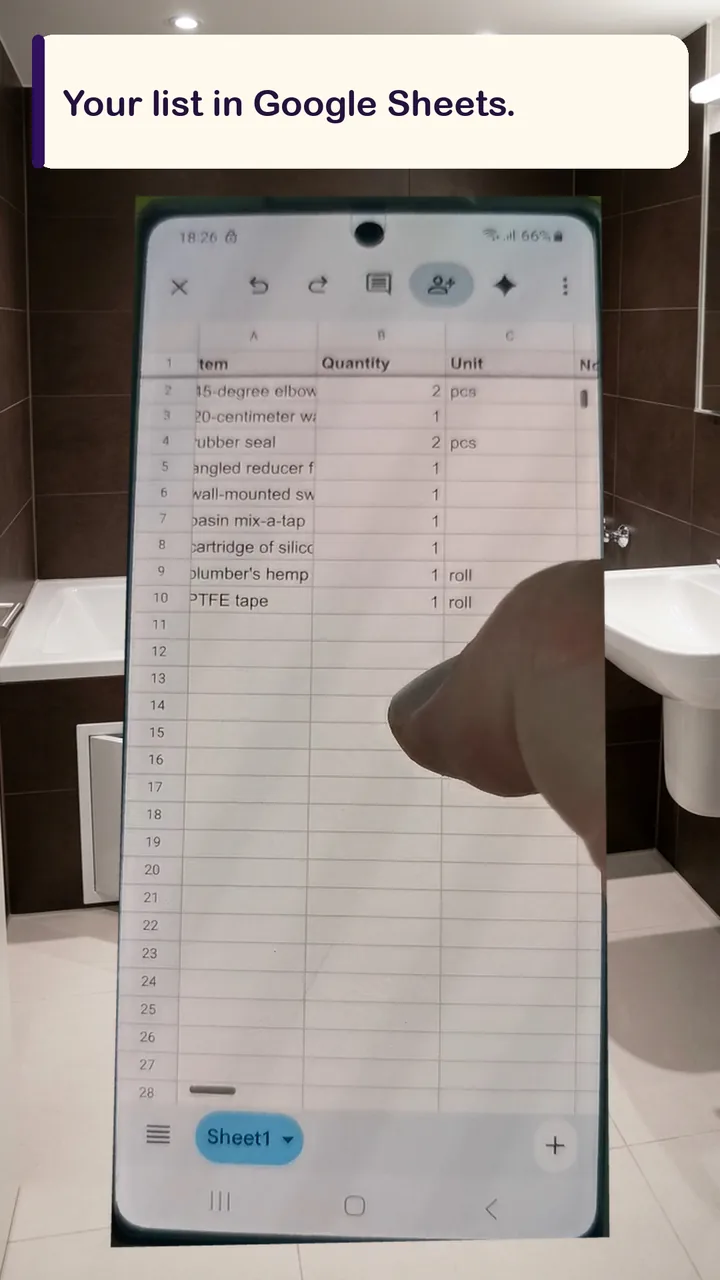
Materials List does more than write down purchases. It helps you keep working instead of making another trip, hold on to your momentum, and avoid that awful moment in the store when you know you’ve forgotten something. Your entries stay in Google Sheets in your Google account.

Discussion
Discuss this article with other readers.